
Latest Version
Microsoft Studios
Education
Windows
Free
9nblggh4r2r6
Report a Problem
More About Minecraft Education
A New Frontier in Classroom Engagement
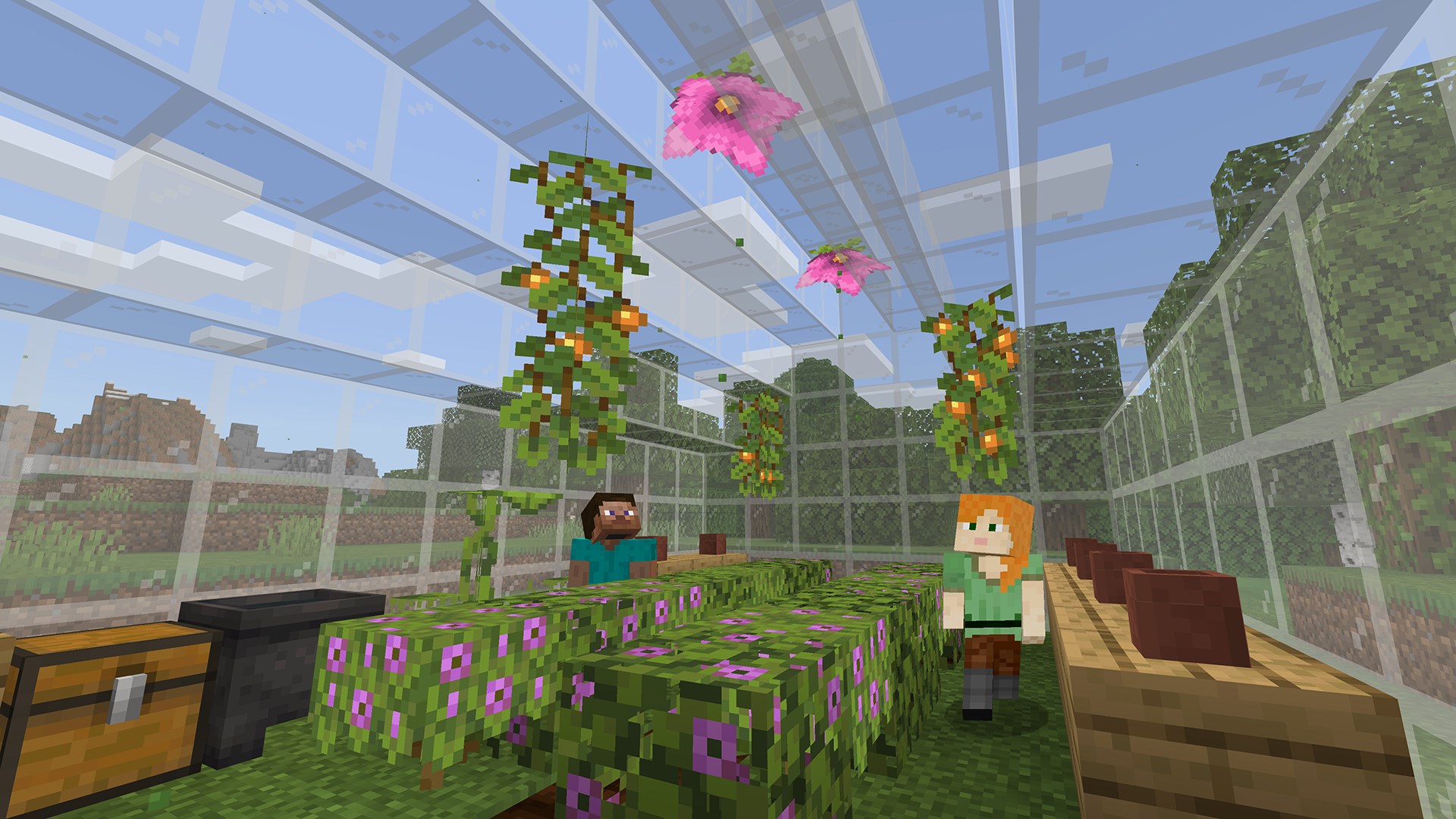
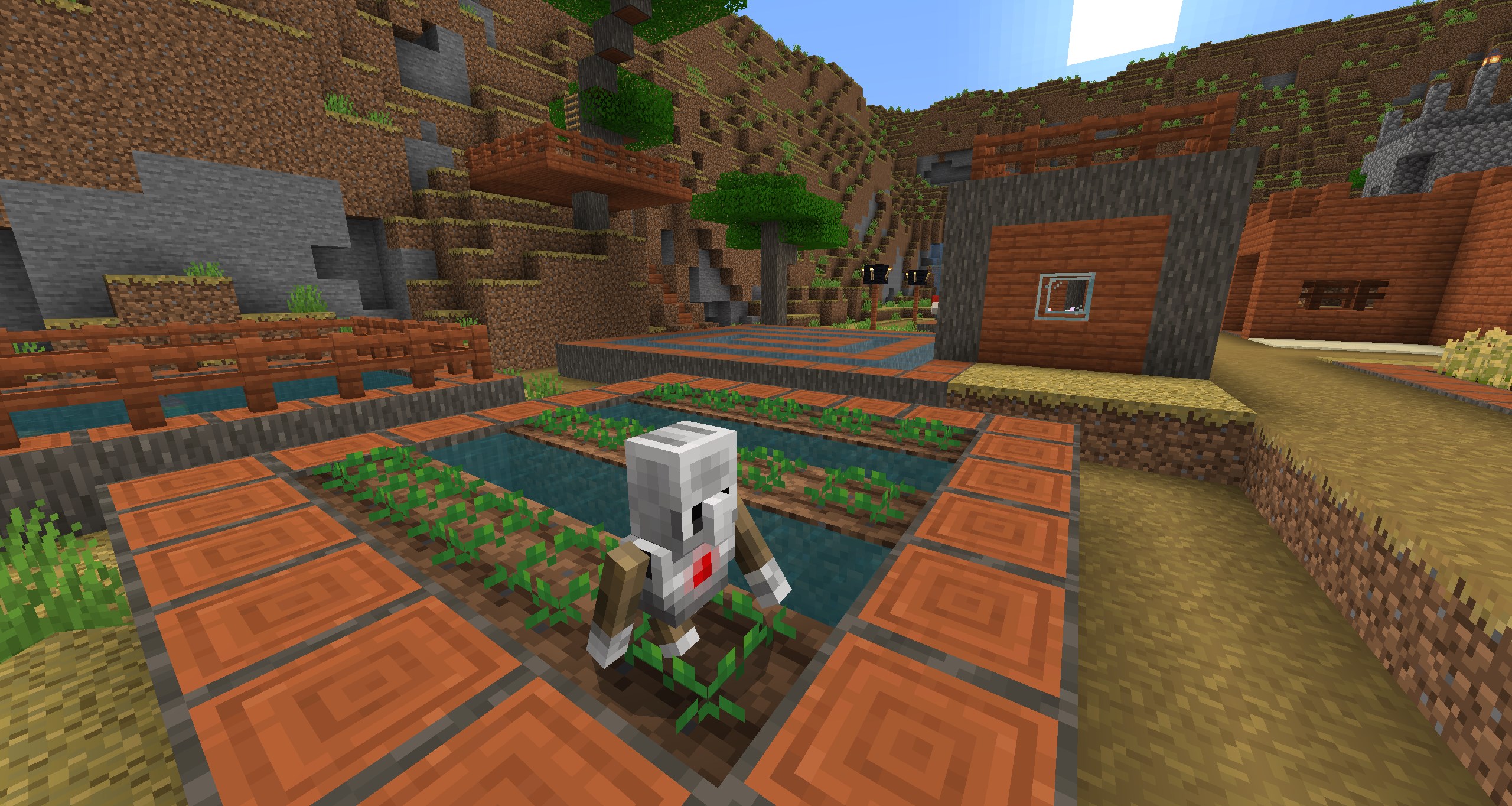
Imagine a classroom where students eagerly collaborate to solve complex math problems, write functional code, and explore historical landmarks—all within a virtual, blocky landscape. Minecraft Education transforms this vision into reality. Built specifically for academic and organizational settings, this platform adapts the beloved open-world sandbox game into an immersive educational powerhouse that captures students' attention like few other tools can.
By leveraging game-based learning, the platform allows teachers to meet students in a digital space they already love, turning abstract concepts into tangible, interactive challenges.
Core Features of the Minecraft Education Platform
This software is packed with specialized features designed to streamline classroom management and enhance academic delivery:
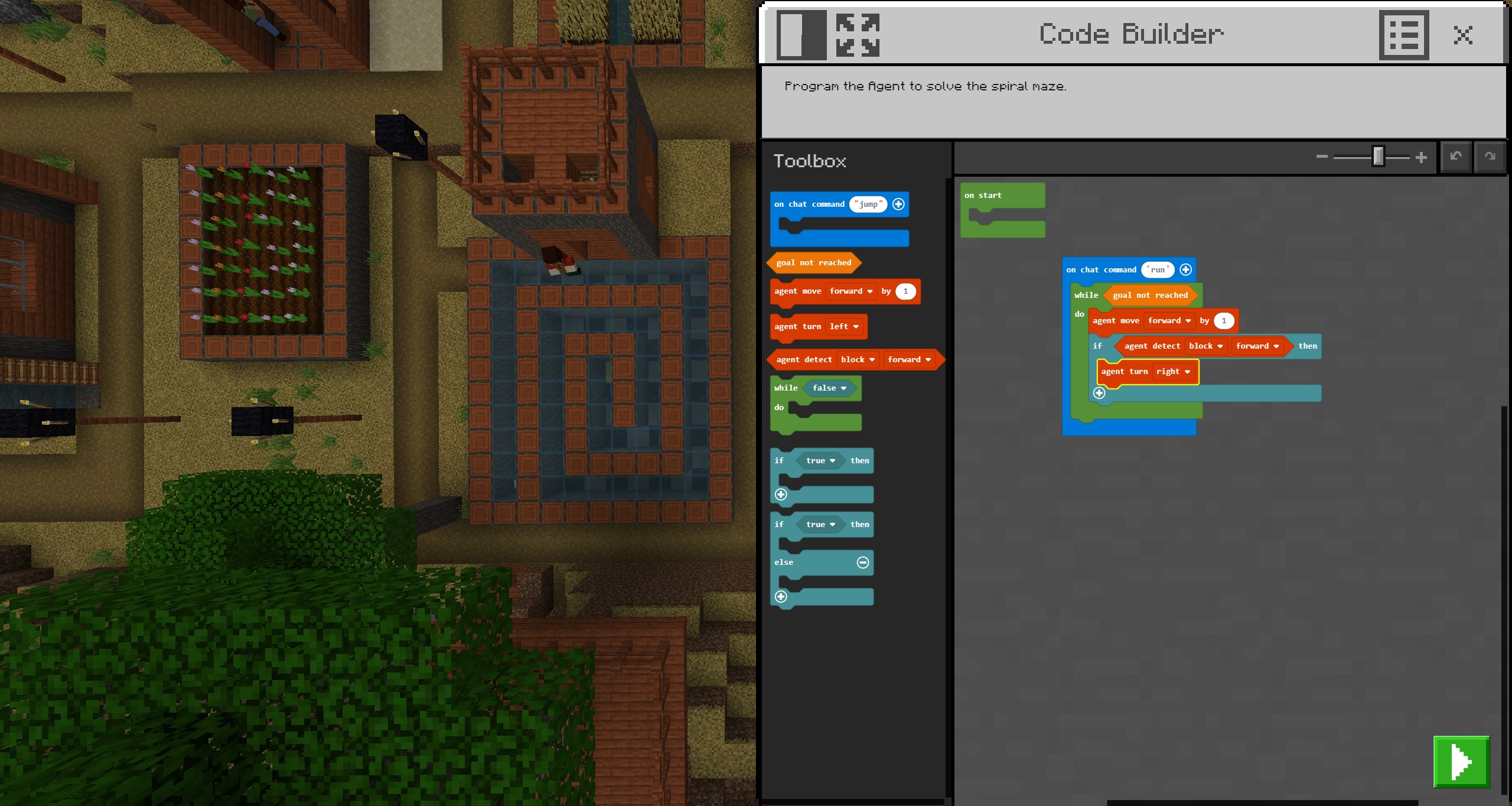
- Built-In Code Builder: Students can write script and execute it directly in the game world. The interface supports block-based coding, JavaScript, and Python, making it suitable for beginners and advancing programmers alike.
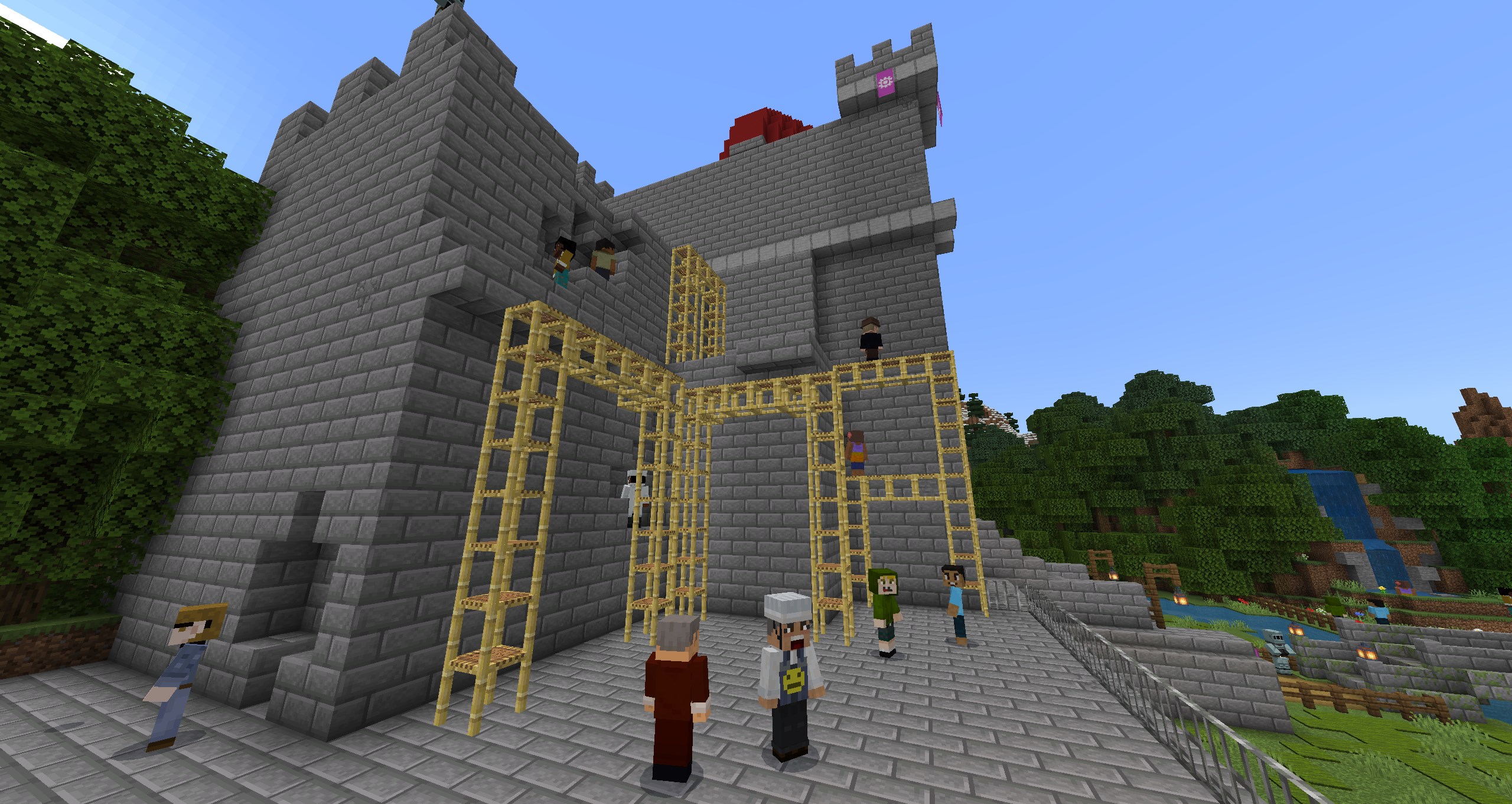
- Seamless Collaboration: With multiplayer mode, students can work together on shared building projects and problem-solving tasks across different devices and hybrid learning environments.
- Robust Teacher Controls: Integration with Microsoft Teams and Flipgrid allows educators to manage assessments, structure lesson boundaries, and document student progress effortlessly.
- Inclusive Learning Tools: Features like the Immersive Reader help translate and read text aloud, ensuring the platform remains accessible to diverse learners.
- Creative Documentation: Students can use the in-game Camera and Book & Quill items to capture screenshots, write reflections, and export their portfolios for grading.
Who Is This Learning Tool For?
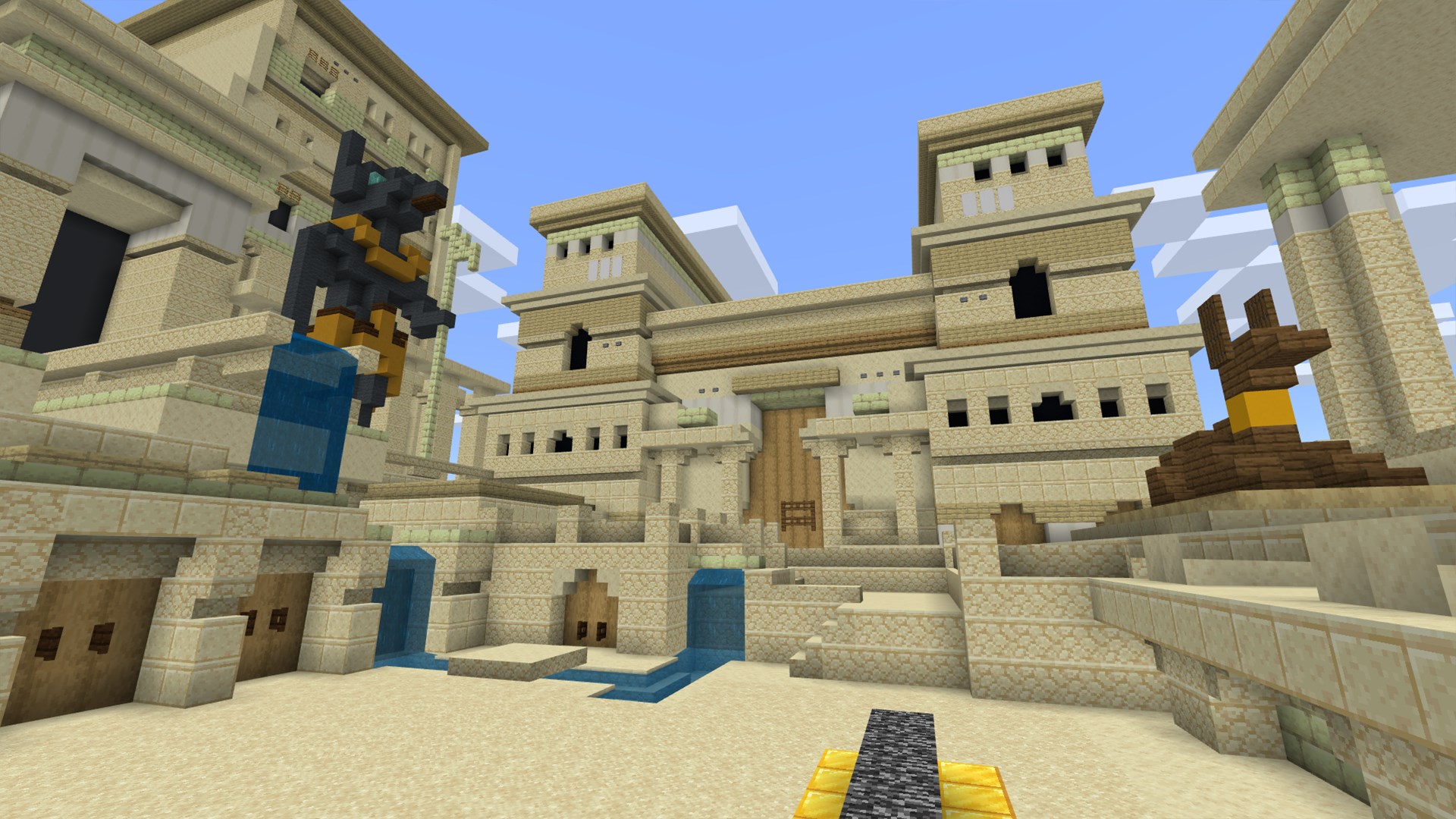
Minecraft Education is designed strictly for school and organizational use. It requires academic licensing, typically managed through a Microsoft 365 Admin Center account. Whether you are an IT administrator looking to deploy a secure collaborative environment, a STEM teacher introducing basic coding principles, or a history educator wanting to walk students through reconstructed ancient ruins, this platform scales to fit your curriculum needs.
With hundreds of pre-built, standardized lessons developed alongside prestigious partners like NASA, BBC Earth, and the Nobel Peace Center, educators can start teaching immediately without any prior gaming experience.
How to Access the Platform
If you are ready to bring creative, inclusive learning to your institution, consult with your school's technology lead to check your eligibility for academic licensing. To find more details, view system requirements, or secure your license, visit the official Microsoft Store page for Minecraft Education.
Rate the App
User Reviews










Popular Apps






Editor's Choice