

Latest Version
Sin Yee Fan
Tools
iOS
$4.99
1072729245
Report a Problem
More About File Manager Plus
The Ultimate iOS File Organizer
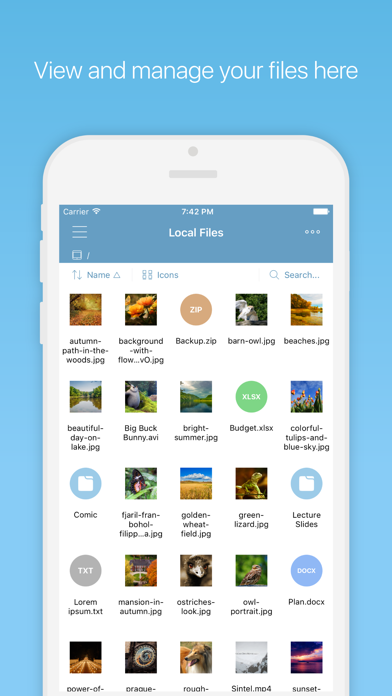
Imagine standing in line at an airport or sitting in a crucial business meeting, needing to access a critical project proposal stored across different cloud platforms, zip archives, or local folders. Managing fragmented digital assets on a mobile device has historically been a challenge. Fortunately, the File Manager Plus file organizer app solves this exact problem by transforming your iOS device into a powerful, centralized digital filing cabinet.
Developed by Sin Yee Fan, this premium tool bridges the gap between local storage, remote servers, and various file types, providing a fluid user experience that caters to professionals and casual users alike.
Comprehensive File Format Support
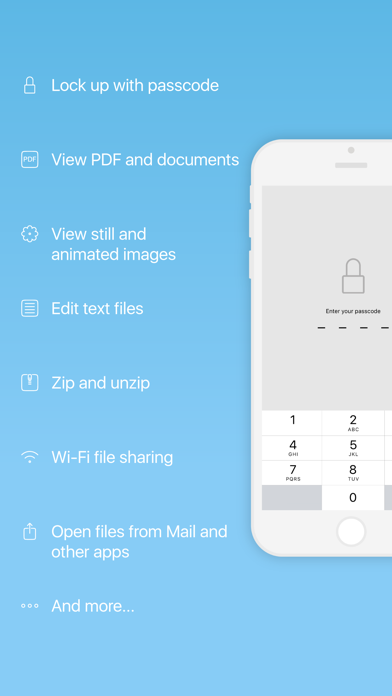
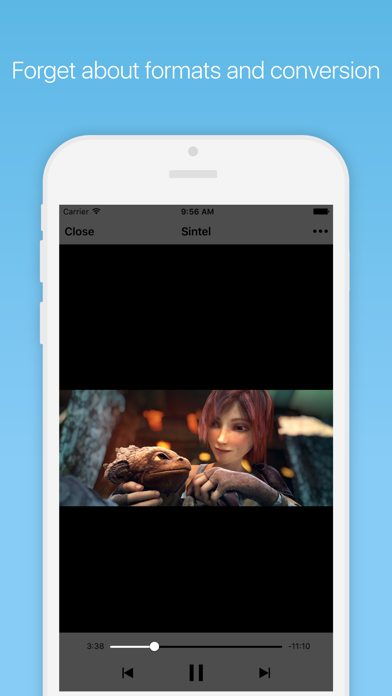
One of the standout aspects of the File Manager Plus file organizer app is its extensive format compatibility. Instead of forcing you to switch between multiple specialized applications, it acts as a unified hub. The built-in document reader easily opens Microsoft Office files (Word, Excel, PowerPoint) and Apple iWork documents (Pages, Numbers, Keynote). It also functions as a robust PDF viewer, image viewer, text editor, and media player capable of handling various audio and video formats, including subtitle integration.
Seamless Cloud and Network Connectivity
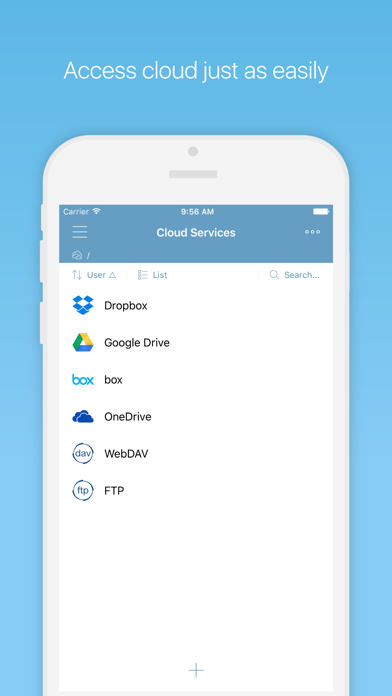
Local storage is only half the battle. This utility excels at remote integration, allowing you to connect to popular cloud services including Dropbox, Google Drive, Box, and OneDrive. For advanced network setups, it supports FTP and WebDAV protocols. Furthermore, transferring files from your computer to your phone is simplified through the Wi-Fi Drive feature and iTunes File Sharing, making physical cables optional.
Enhanced Security and Usability
A great file manager must prioritize security and ease of use. The File Manager Plus file organizer app addresses these needs with several tailored features:
- Robust Security: Protect sensitive documents using a secure passcode or Touch ID authentication.
- Archive Management: Compress files or extract ZIP, RAR, and 7z archives, even when they are password-protected or split.
- Fluid Navigation: Utilize a slide-out menu to switch quickly between storage browsers, or use the long-press popup menu for rapid file operations.
Who Is This App For?
If you regularly handle diverse attachments from emails, manage remote server directories, or simply want a secure, unified space to organize your documents on iOS, this tool is an exceptional fit. It eliminates the friction of mobile file management, ensuring your workflow remains uninterrupted wherever you go.
To experience this comprehensive digital workspace yourself, head over to the official iOS App Store to purchase and download your copy of the app.
Rate the App
User Reviews















Popular Apps










Editor's Choice