


Latest Version
App Ideas S.r.l.
Tools
iOS
$4.99
522661666
Report a Problem
More About Total files pro File Manager: The Ultimate iOS Storage Organizer
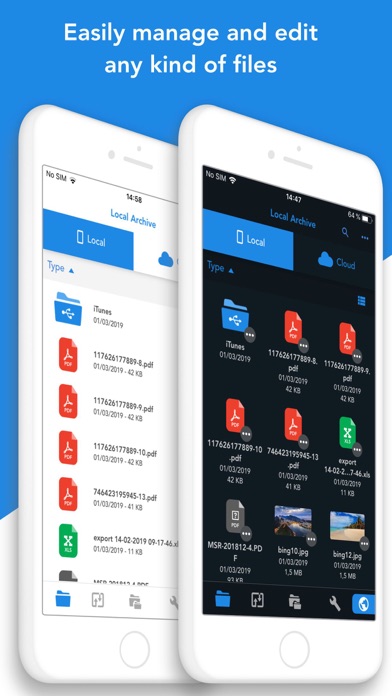
Anyone who regularly works on an iPhone or iPad knows the frustration of digital fragmentation. You might have a PDF saved in Dropbox, a spreadsheet stored in Google Drive, and local images scattered across your device's native storage. Navigating between multiple standalone applications just to locate and edit your documents is a major productivity bottleneck. The Total files pro file manager by App Ideas S.r.l. solves this exact dilemma by consolidating your entire digital filing cabinet into a single, highly secure iOS application.
A Single Hub for Multi-Cloud Integration
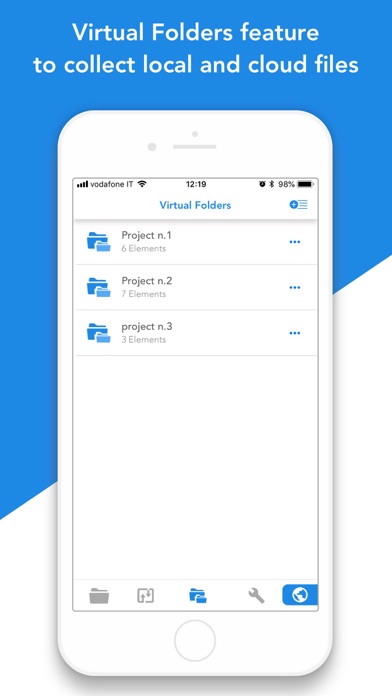
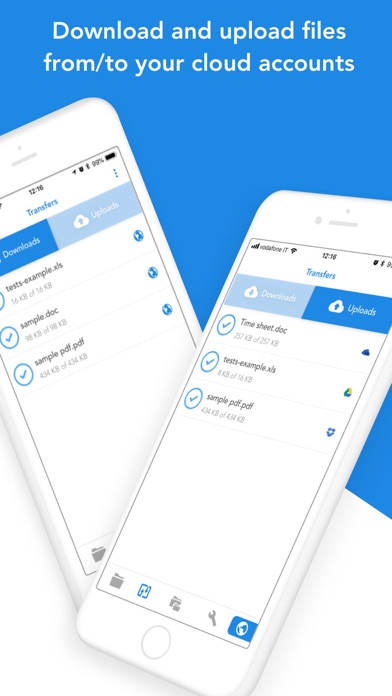
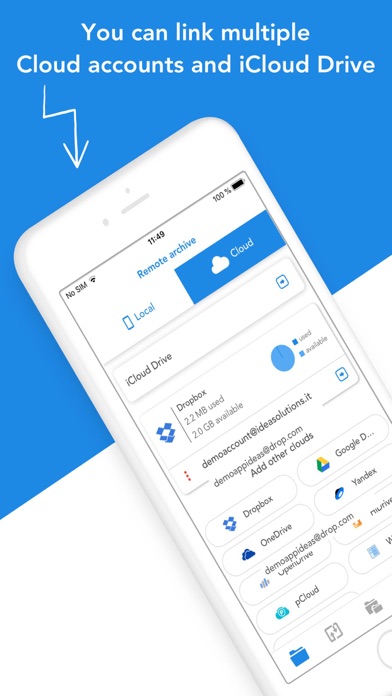
Rather than forcing you to jump between different cloud storage clients, this utility brings them all under one roof. The app offers comprehensive read-and-write integration with major services, including Dropbox, Google Drive, OneDrive, and iCloud Files. Thanks to its deep integration with the iOS Files app, you can seamlessly upload and download files to any linked cloud account from virtually any other application on your device. The standout feature is the virtual folder system, which lets you organize and group files together even if they are hosted on entirely different local or remote platforms.
Advanced PDF Editing and Local Search Tools
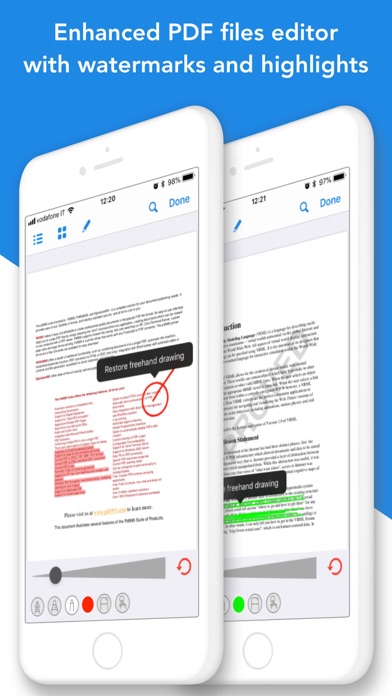
Beyond simple file organization, this application houses a robust PDF viewer and editor. If you frequently review contracts, study textbooks, or mark up design drafts, the built-in annotation system is incredibly helpful. It automatically recognizes common gestures and geometric shapes, making it incredibly easy to highlight paragraphs or draw neat diagrams on the go. Finding your documents is equally efficient; with native Spotlight indexing, you can search for and open local files directly from your iOS home screen without even launching the application first.
Key Features of Total files pro
- Seamless Cloud Synchronization: Link and manage multiple accounts across Dropbox, Google Drive, OneDrive, and iCloud simultaneously.
- Virtual Folders: Group related documents together in a single folder, regardless of whether they reside locally or on different cloud providers.
- Advanced PDF Toolset: Edit, annotate, and use automatic shape recognition directly within your documents.
- Enhanced Security: Secure sensitive business or personal files in private folders protected by a secure PIN.
- Built-in Multi-Tab Browser: Surf the web, manage bookmarks, and utilize URL autocompletion without leaving the interface.
- File Compression: Easily zip and unzip folders for streamlined archiving and sharing.
Is This Premium Utility Right for You?
Priced at $4.99, this application is tailored for professionals, students, and power users who require structured, reliable, and secure file management on iOS. With an impressive user rating of 4.7 stars, it has proven itself to be a dependable companion for mobile workflows. If you are ready to eliminate app clutter and take complete control of your digital workspace, you can find more details and purchase the application directly on the official Apple App Store.
Rate the App
User Reviews














Popular Apps










Editor's Choice