
Latest Version
Mirarobot Science & Technology Co., Ltd.
Tools
iOS
Free
1296085015
Report a Problem
More About File Manager - Zip & Unzip Review
A Complete Mobile Office Hub in Your Pocket
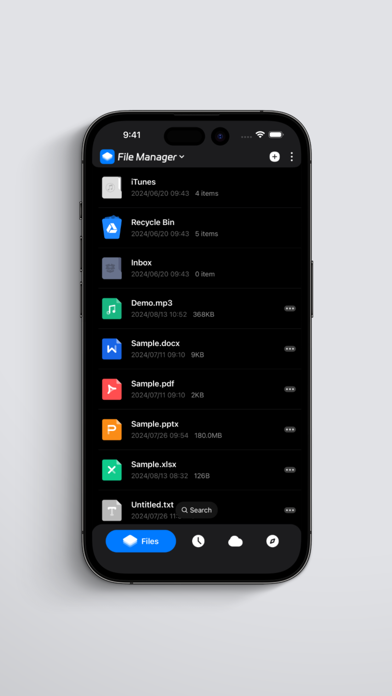
Managing files on iOS has historically been a challenge, but File Manager - Zip & Unzip transforms your Apple device into a highly capable digital workstation. Developed by Mirarobot Science & Technology Co., Ltd., this utility goes far beyond simple directory navigation. Its primary strength lies in its incredible versatility: it acts as a document reader, media player, code editor, and compression toolkit all in one seamless interface.
Unrivaled Compression and Decompression Capabilities
Whether you need to extract multi-part archives or bundle confidential documents, File Manager - Zip & Unzip handles the heavy lifting effortlessly. It supports an extensive array of archive formats, including ZIP, RAR, 7Z, TAR, ISO, and ZSTD. Users can extract archives by volume, create encrypted compressions, and decrypt secured files, ensuring your sensitive data remains protected on the go.
An All-in-One Viewer for Every Media Format
You no longer need to jump between multiple applications to preview different file types. This robust tool includes dedicated built-in viewers for almost any file format:
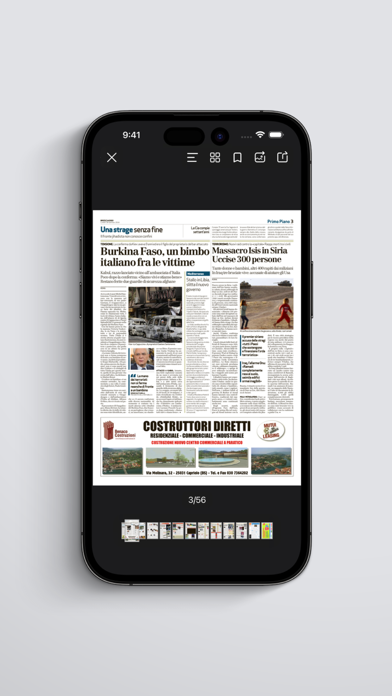
- Document Previewer: Seamlessly open Microsoft Office formats (Word, Excel, PowerPoint) and Apple iWork documents (Pages, Numbers, Keynote).
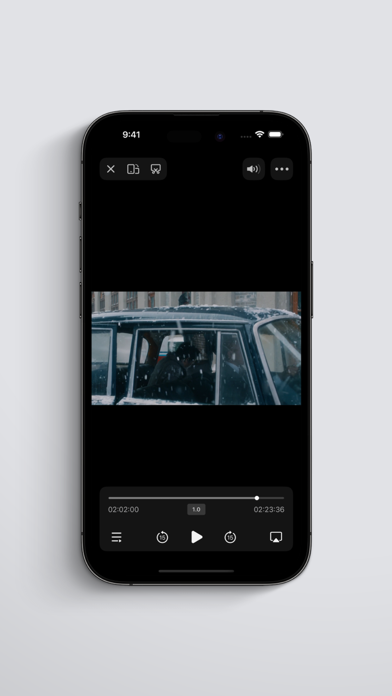
- Multimedia Players: Enjoy a universal audio player with playback speed controls, alongside a video player supporting M3U8 online streaming and subtitle integration.
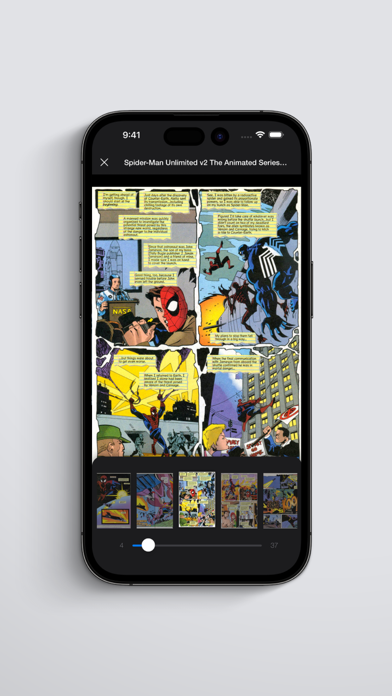
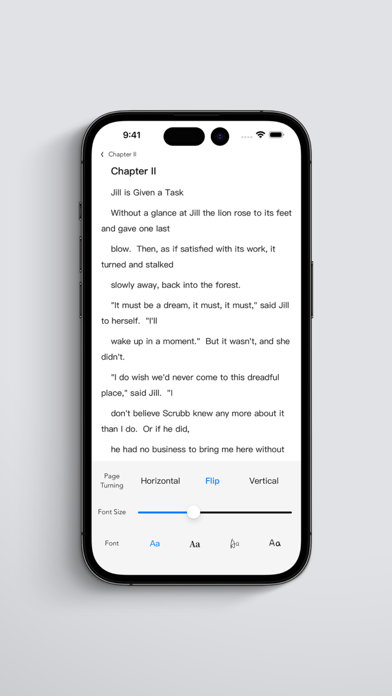
- Specialized Readers: Browse comics via CBZ and CBR formats, read EPUB files with customizable themes, and review PDFs with page-to-image conversion features.
- Source Code Editor: Edit code on the fly with support for over 100 programming languages and 80+ visual themes.
Seamless Cloud Integration and Network Connectivity
The File Manager - Zip & Unzip system connects directly with major cloud storage providers such as iCloud, Google Drive, Dropbox, OneDrive, and Box. For advanced users, it offers robust network protocol support including FTP, SFTP, WebDAV, SMB, and NFS, making it easy to manage files on local servers or remote network-attached storage (NAS).
Security and Easy Sharing
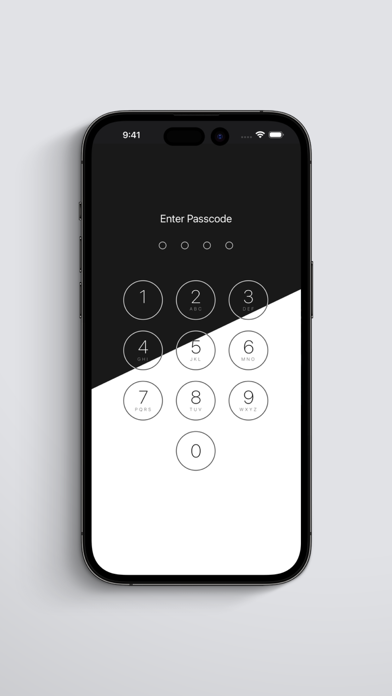
Your local files remain completely secure thanks to built-in lock screen features supporting PIN codes, gestures, Touch ID, and Face ID. When it is time to share, the integrated near-field transmission lets you transfer files directly between phones without consuming any cellular data.
Is It Right For You?
If you regularly handle diverse file formats, work with compressed archives, or need a secure local vault for your documents, this tool is an exceptional addition to your productivity suite. To explore its extensive feature set firsthand, visit the official iOS App Store to download and try it today.
Rate the App
User Reviews













Popular Apps










Editor's Choice