

Latest Version
Xiamen Meitu Technology Co., Ltd.
Design
Mac
Free
1594288016
Report a Problem
More About Wink: Video Enhancer & Editor
Imagine finding an old folder of family vacation videos from the early 2000s, only to realize the footage is pixelated, shaky, and barely watchable on modern screens. Instead of leaving those memories to fade, Wink: Video Enhancer & Editor offers a powerful, one-tap solution to breathe new life into your media directly on your Mac.
What is Wink: Video Enhancer & Editor?
Developed by Xiamen Meitu Technology Co., Ltd., Wink: Video Enhancer & Editor is a sophisticated desktop application designed to bridge the gap between amateur footage and professional-grade presentation. Categorized under design, this software leverages advanced artificial intelligence models to repair, upscale, and beautify video content without requiring complex manual editing skills. Whether you are dealing with low-resolution phone clips or vintage VHS transfers, it serves as an intelligent recovery suite for your digital media.
Key Features of the AI Video Restorer
The core strength of Wink: Video Enhancer & Editor lies in its automated restoration and enhancement engines. Below are the standout features that make it a compelling choice for creators and archivists alike:
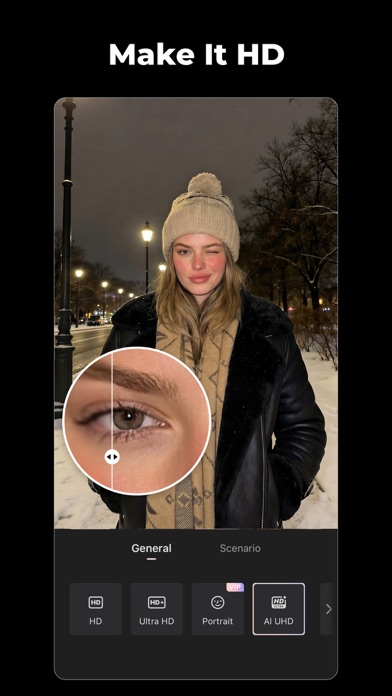
- Super Resolution Upscaling: Transform standard definition footage (like 480p or 720p) into crisp 4K Ultra HD clarity.
- Scene-Specific AI Models: Utilize seven dedicated processing models tailored for distinct content types, such as fast-paced gaming highlights, low-light night clips, or historical family archives.
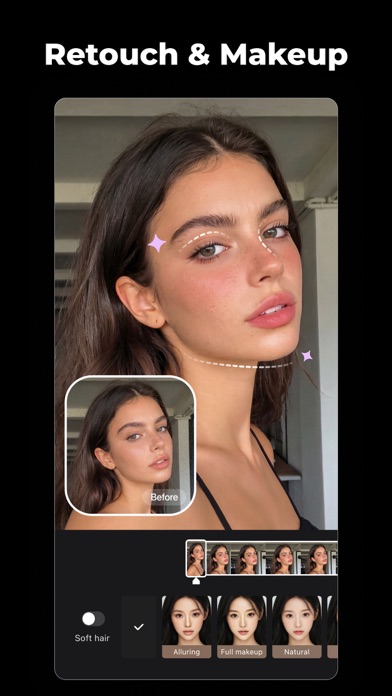
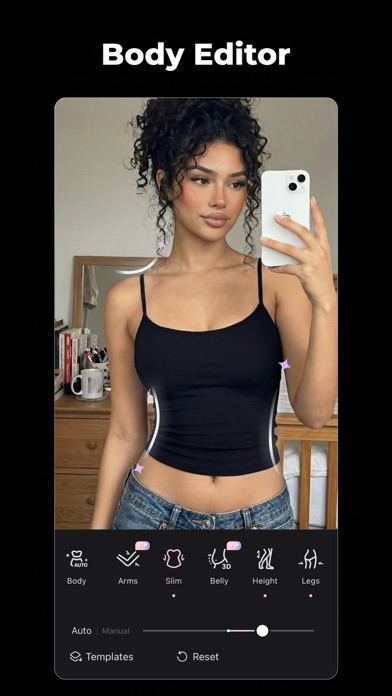
- Advanced Video Retouching: Smooth out skin textures, refine jawlines, adjust lighting, and apply digital makeup that naturally tracks with moving subjects.
- Intelligent Batch Processing: Save hours of manual labor by queueing up multiple files and applying enhancement parameters simultaneously.
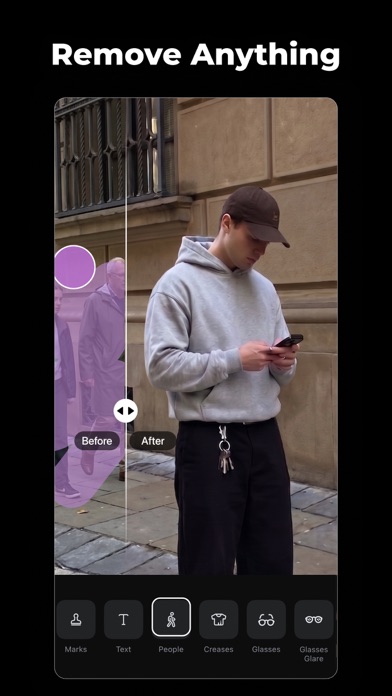
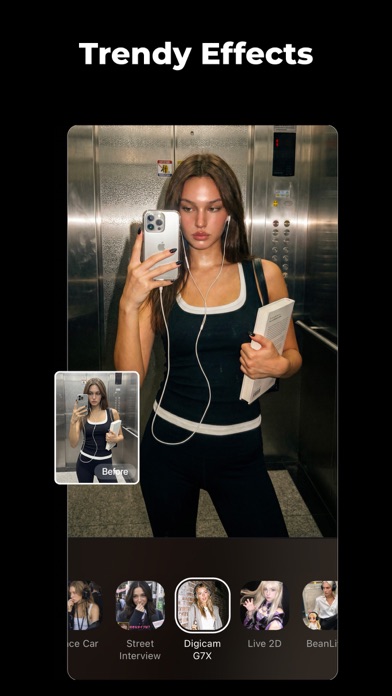
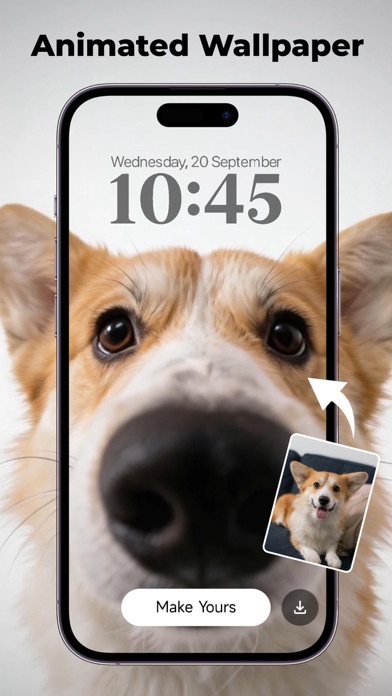
- Creative Post-Processing: Generate automated multi-language subtitles, apply trending vintage aesthetics like the Y2K DigiCam effect, or convert standard photos into stylized cartoon art.
Who Benefits Most From This Tool?
This software caters to two primary audiences. First, it is an invaluable tool for family archivists seeking to preserve fragile memories captured on older camera formats. Second, it is highly optimized for modern content creators who need to quickly polish raw, handheld phone footage into sharp, high-definition videos suitable for social platforms. The intuitive interface ensures that even complete beginners can achieve natural-looking results without an overwhelming learning curve.
Is Wink: Video Enhancer & Editor Right for You?
If you want to eliminate blur, correct lighting anomalies, and upscale low-resolution files safely on your Mac, this application provides an incredibly streamlined workflow. While the basic features offer robust repair tools, advanced users can opt for the VIP tier to unlock unlimited 4K exports and priority processing. To explore its capabilities and begin restoring your media library, visit the official Apple App Store to view the latest download options for your Mac device.
Rate the App
User Reviews















Popular Apps










Editor's Choice