

Latest Version
John Factotum
Finance
Linux
Free
com.github.johnfactotum.Foliate
Report a Problem
More About Foliate
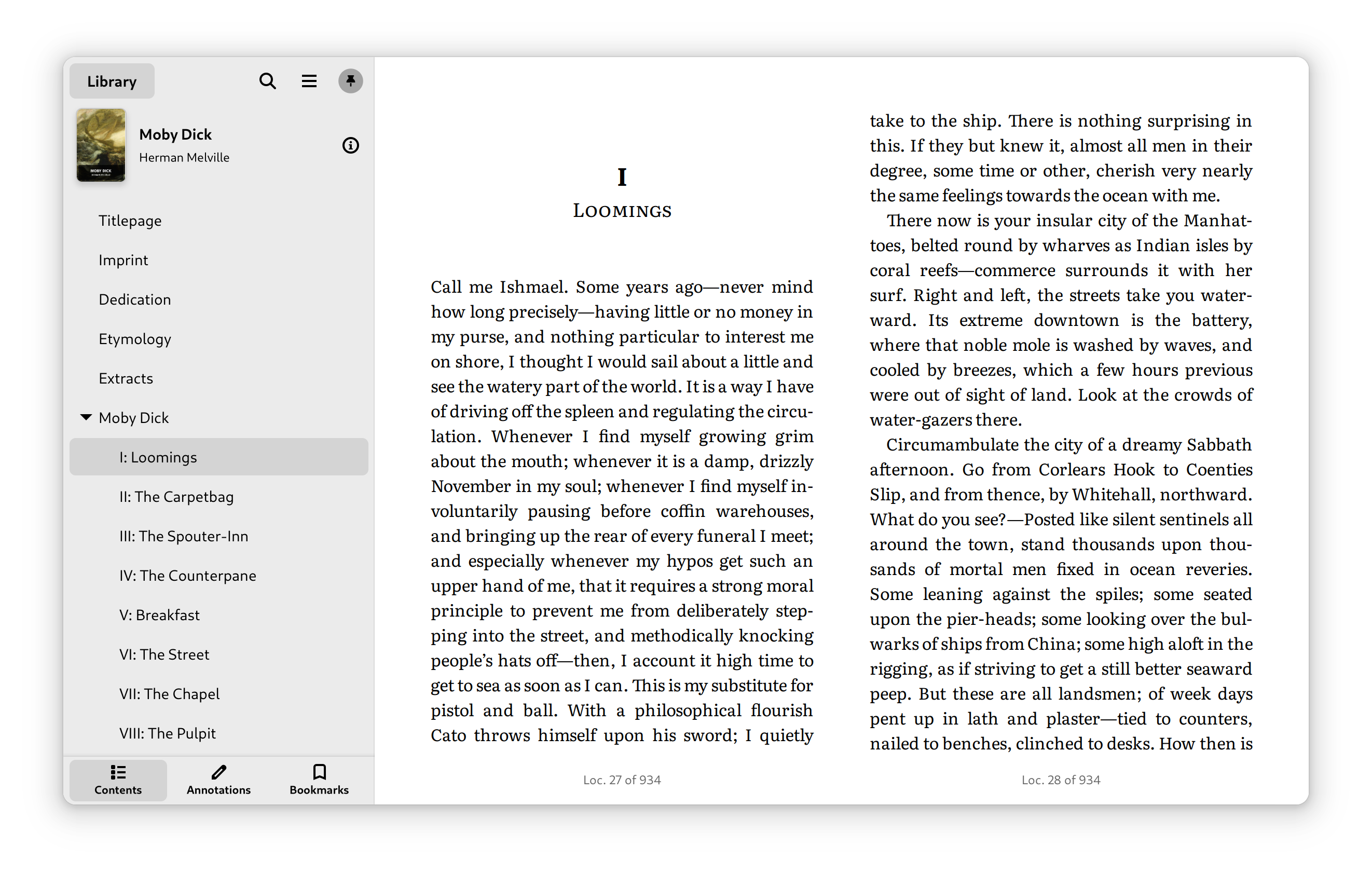
Finding a digital reading application that balances a minimalist aesthetic with powerful, robust formatting tools can be a challenge for desktop users. The Foliate Linux e-book reader, developed by John Factotum, addresses this gap perfectly by offering a modern, distraction-free reading interface tailored specifically for the GNOME desktop environment.
Why the Foliate Linux E-Book Reader Stands Out
For avid readers who spend hours consuming digital literature, the interface is everything. This application respects your screen real estate by stripping away unnecessary toolbars and letting the text take center stage. Whether you are catching up on technical manuals, academic PDFs, or your favorite novels, the interface adapts effortlessly to keep you focused on the content.
Versatile Format Support and Layout Customization
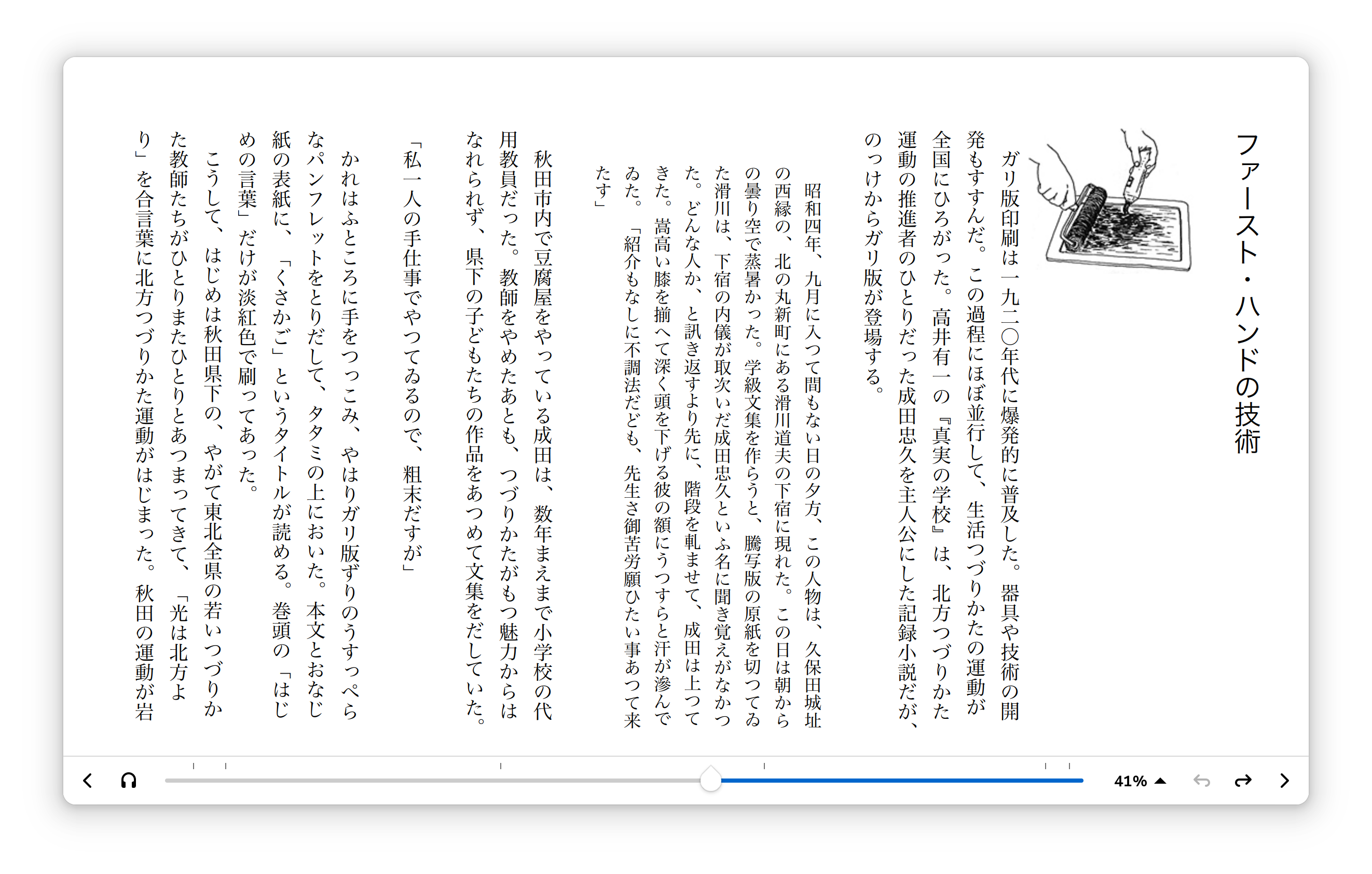
One of the primary strengths of this application is its broad compatibility. It handles a diverse array of digital publication formats, making it a highly versatile tool for your library. Key features include:
- Format Versatility: Seamlessly open and render EPUB, Mobipocket, Kindle (AZW3), FB2, CBZ, and PDF files.
- Tailored Viewing Modes: Switch between a traditional paginated layout or a continuous scrolled mode depending on your reading style.
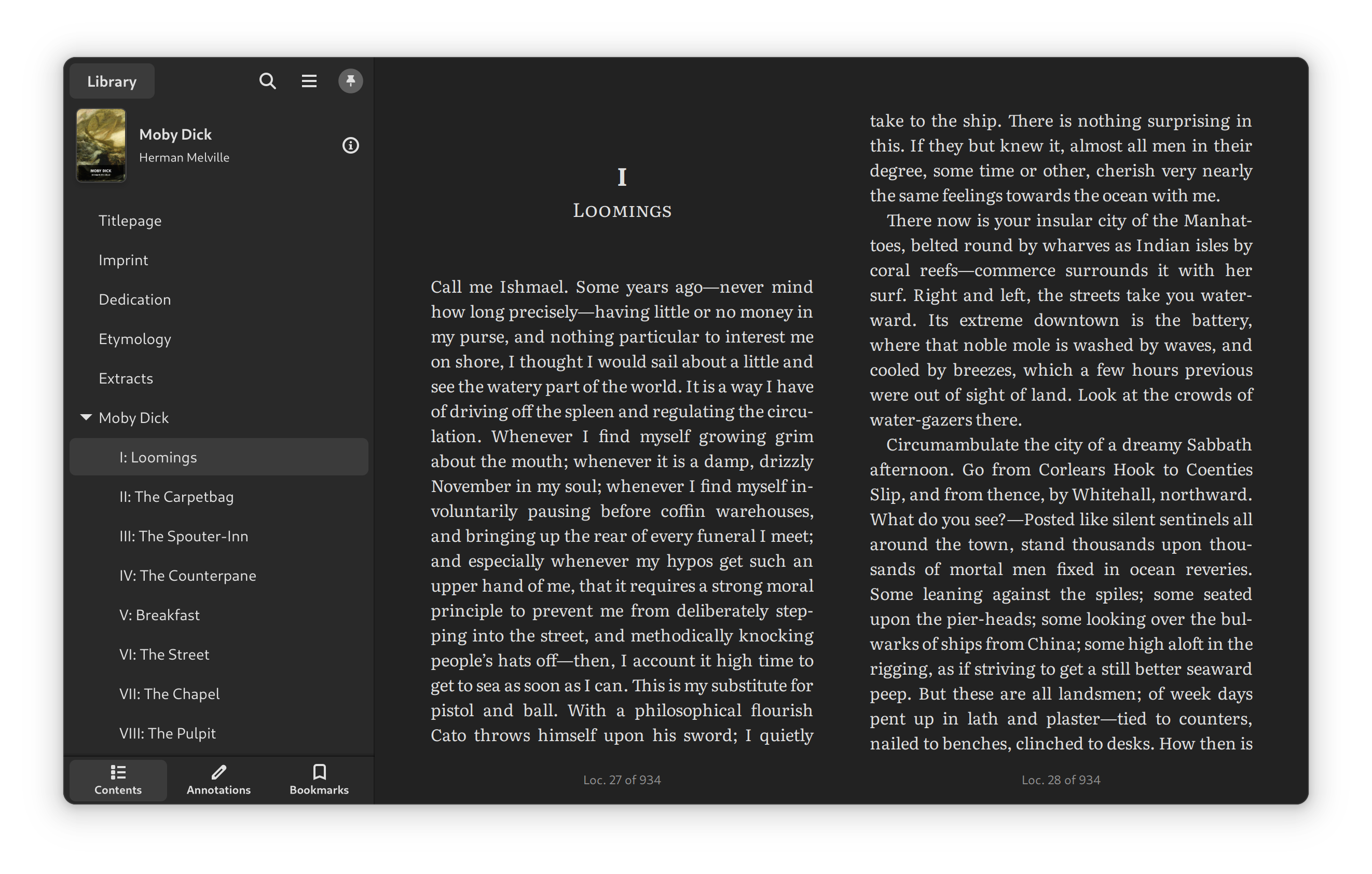
- Aesthetic Control: Customize font faces, adjust line-spacing, and select from light, sepia, dark, or inverted color profiles to reduce eye strain.
Advanced Tools for Active Readers
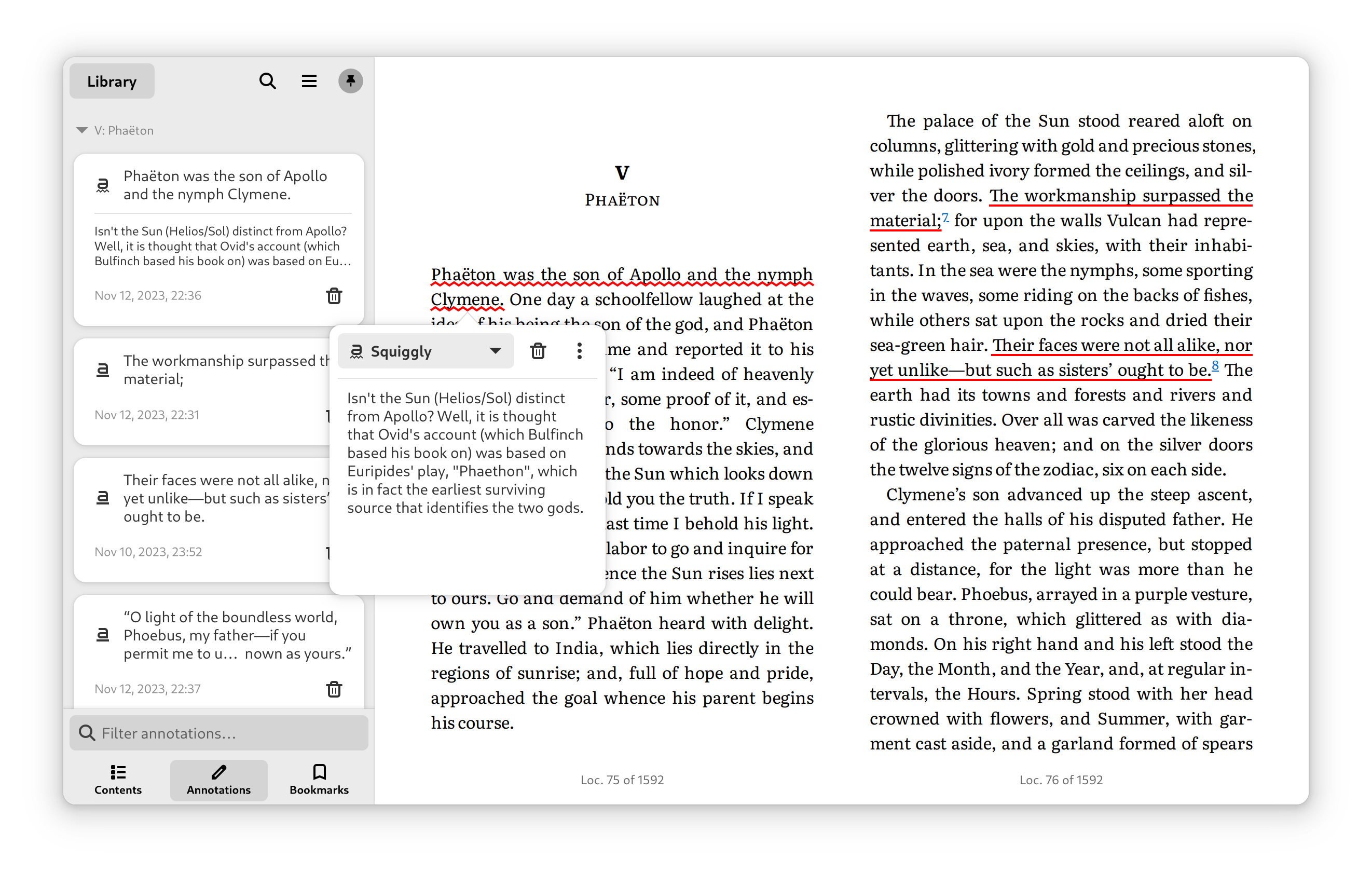
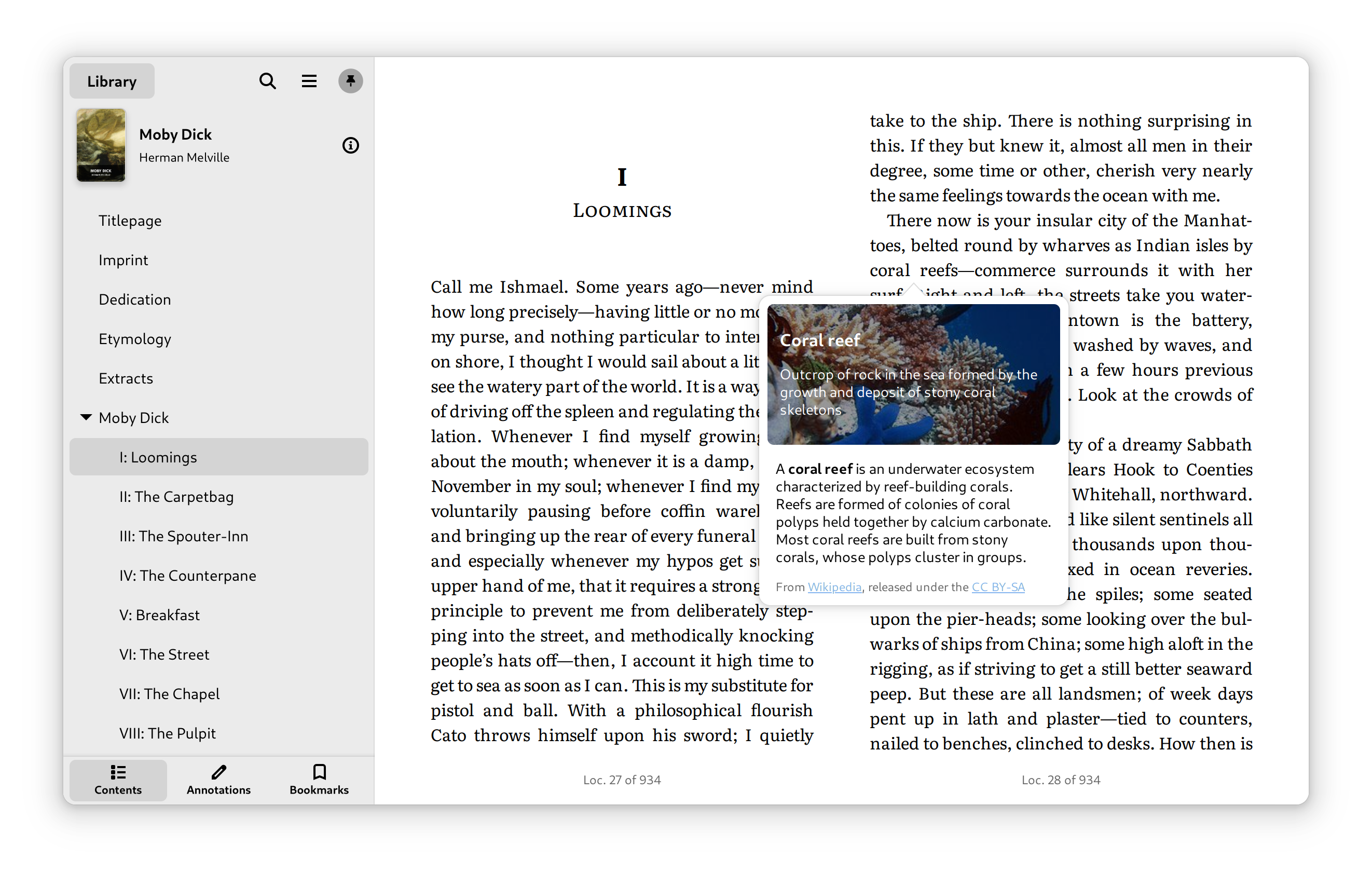
The Foliate Linux e-book reader is built for more than just passive consumption; it is designed for active learning. Users can easily mark up texts using the built-in bookmarking and annotation features, making it an excellent companion for researchers and students. A progress slider with clearly defined chapter marks helps you navigate complex texts, while the integrated search utility allows you to find specific passages instantly. Additionally, the quick dictionary lookup feature ensures that you never have to leave the application to clarify unfamiliar terminology.
Who Benefits Most?
This application is highly recommended for Linux enthusiasts, students, and professionals who require a clean, reliable, and highly customizable environment to read electronic publications. It bridges the gap between basic document viewers and heavy, cluttered library managers, offering a refined, lightweight alternative.
Discover More Online
If you are ready to upgrade your desktop reading workflow, we highly recommend exploring this beautiful open-source tool. To learn more about the application, view source details, or get started on your system, visit the official Flathub store page today.
Rate the App
User Reviews











Popular Apps










Editor's Choice