

Latest Version
Kingsoft Office Corporation
Finance
Linux
Free
com.wps.Office
Report a Problem
More About WPS Office
Stepping into a modern digital workspace requires tools that are fluid, highly compatible, and incredibly versatile. The WPS Office office suite delivers exactly that experience, offering Linux users a seamless way to manage complex documents, design impactful slideshows, and process intricate data sheets without missing a beat.
An Intuitive Approach to Document Management
From the moment you launch the application, the interface feels instantly familiar. Instead of confronting a steep learning curve, users can immediately dive into their tasks. The WPS Office office suite integrates three core powerhouses—Writer, Presentation, and Spreadsheets—into a unified environment that mirrors the workflow of traditional desktop publishing software.
Key Features of the WPS Office Office Suite
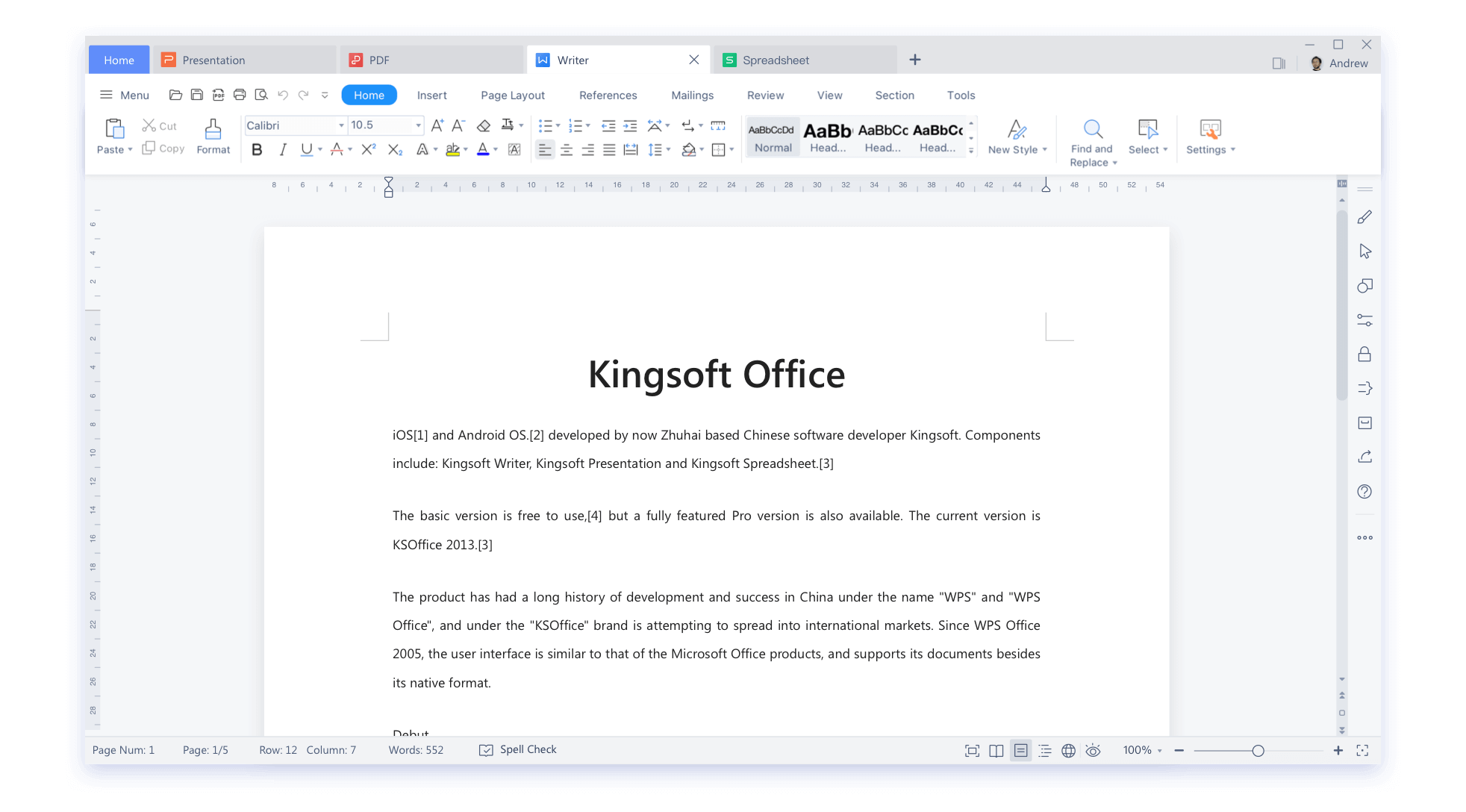
- Writer: A highly sophisticated word processor designed for everything from quick memos to structured professional reports.
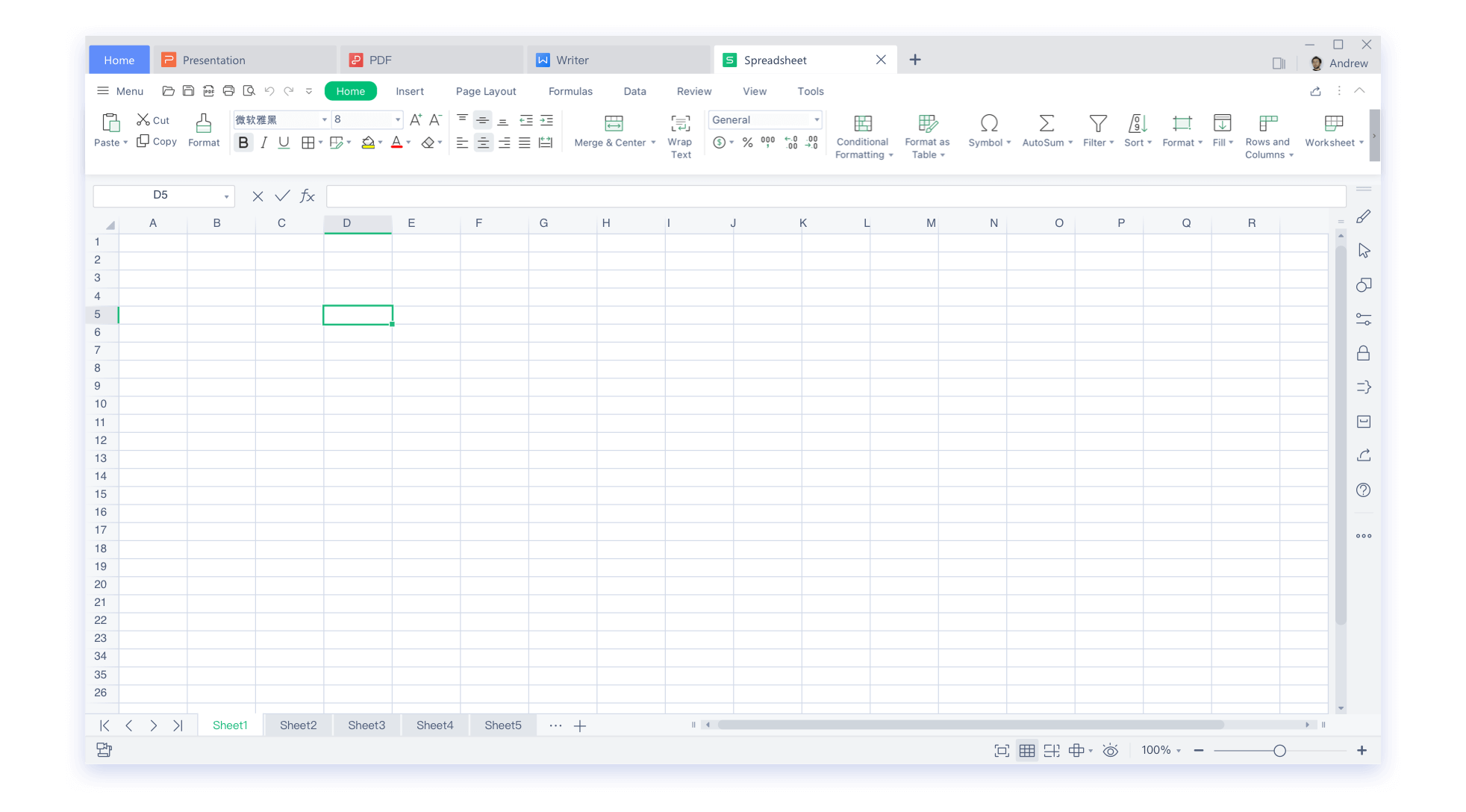
- Spreadsheets: A robust data analysis tool featuring advanced formula support, charting capabilities, and detailed pivot tables.
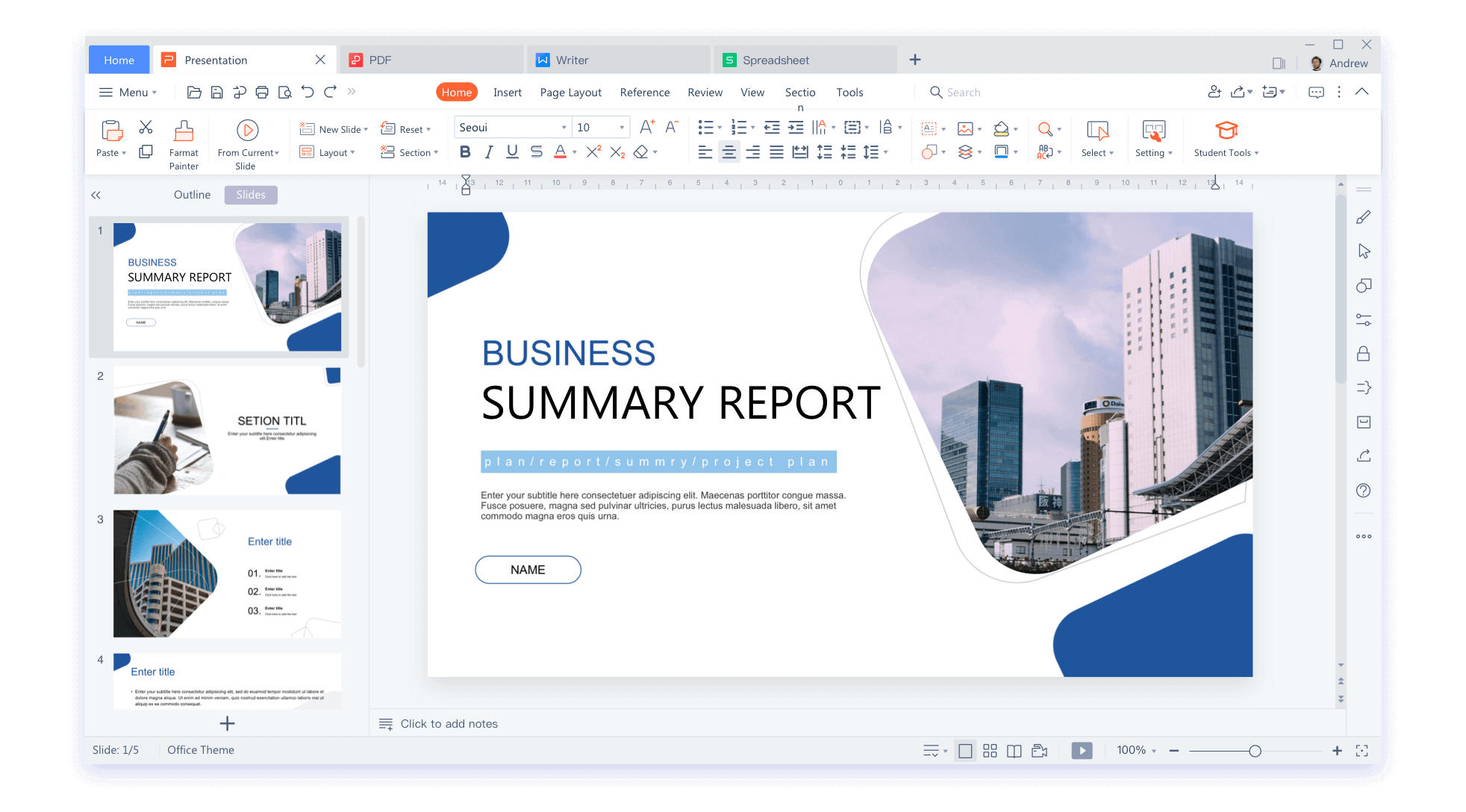
- Presentation: An easy-to-use slide builder equipped with modern transitions, clean templates, and multimedia integration options.
Flawless Compatibility with Industry Standards
One of the primary challenges for Linux professionals is collaborating with colleagues who utilize different operating systems. The WPS Office office suite addresses this friction point directly by offering deep compatibility with all modern Microsoft Office file formats. Whether you are opening a complex docx file, adjusting a highly formatted xlsx spreadsheet, or presenting a pptx slideshow, the layout integrity remains intact.
Who is This Office Suite For?
If you are a professional, writer, or data analyst operating on a Linux platform, this software bridges the gap between open-source flexibility and corporate-standard formatting. It is particularly well-suited for remote teams who require pixel-perfect document rendering when sharing files across diverse platforms.
Where to Find the App
While we do not host or distribute the software installation files on our platform, you can explore the full features of this application and obtain it directly from its official distribution channel. To get started, head over to the official Flathub store page to download the official Linux package.
Rate the App
User Reviews












Popular Apps










Editor's Choice